Wednesday, April 30, 2014

Additional Technology

More Programs

Photostory

Students in my third grade class made video clips of themselves saying what they liked about Miss Miller. Some of them chose to say a favorite memory, others said why she shouldn't forget them and others yet listed Miss Miller's admirable qualities. After the video clips were completed, they were inserted into a video that the class and I gave as a gift for Miss Miller. Although intended as a gift, students demonstrated academic skills and knowledge. They needed to brainstorm what they would say, how to describe it best and what sort of voice/movement was appropriate for this project. Each student did a lovely job. 


Below is the youtube link to the said video. Unfortunately, google blogger wouldn't allow me to directly upload the video.

http://youtu.be/17_dNVeBXBY


Smartboards

Smartboards

Student teaching has given me so much confidence in smartboards. I now know how to use smartboards, different resources available through the software, and how to give students the opportunity to use smartboards to deepen their knowledge. 


Smartboards aided in getting student ready to learn and transition into the school day each morning. Everyday in my third grade class, students would look to the board after they unpacked. Here they moved their icon (which changed seasonly and/or monthly) to indicate that they were at school. There was also a P.O.T.D., problem of the day. Typically it was a math concept that students may have struggled with. This gave students the change to review something difficult for them while getting them into the 'school mindset.' 


Smartfiles are the product of using the SMART software. This enables teachers to create lessons in which students get up and move to interact with the whiteboard. While in class, students are very eager to participate in a smartboard activity. This has been evident in my third grade class and now in my eighth grade class. Movement and purpose aid in the student learning process. Kinesthetic movement of changing icons or adding information to the smartboard has proved effective. 

Here is a screenshot of one smartboard slide in math. Student volunteers drew a greater than or less than symbol and also drew the answer to the problem. Before taking volunteers, I would often times have the students complete this in their desk groups and then show the class their answers up front.


Google

Google

Presentation Backdrop

Through the use of google drive, students can share documents with their teacher. During the North Africa and Southwest Asia unit of study, learners created a presentation on a current event. This was presented as if it was a telecast. All areas of a quality telecast were discussed and one of them includes visual aids. Students created a backdrop relating to their topic, shared it through google drive and used it while presenting. Below is a possible example. 

"Militant Future of Iraq"  Breaking Story from CKAG News


Get to Know You Quiz

Teachers must know their students to teach as effectively as possible. One way to do that is to have a beginning of the year 'Get to Know You' survey. Through the use of google forms, I created a survey for students to take. A screenshot of it is below. 


Here is a picture of how responses can be tracked. Each response shows up in a different row creating an organized and quick glance at how students responded. Although I have not yet used google forms as an assessment, it could easily be done as well. 


Google Calendar

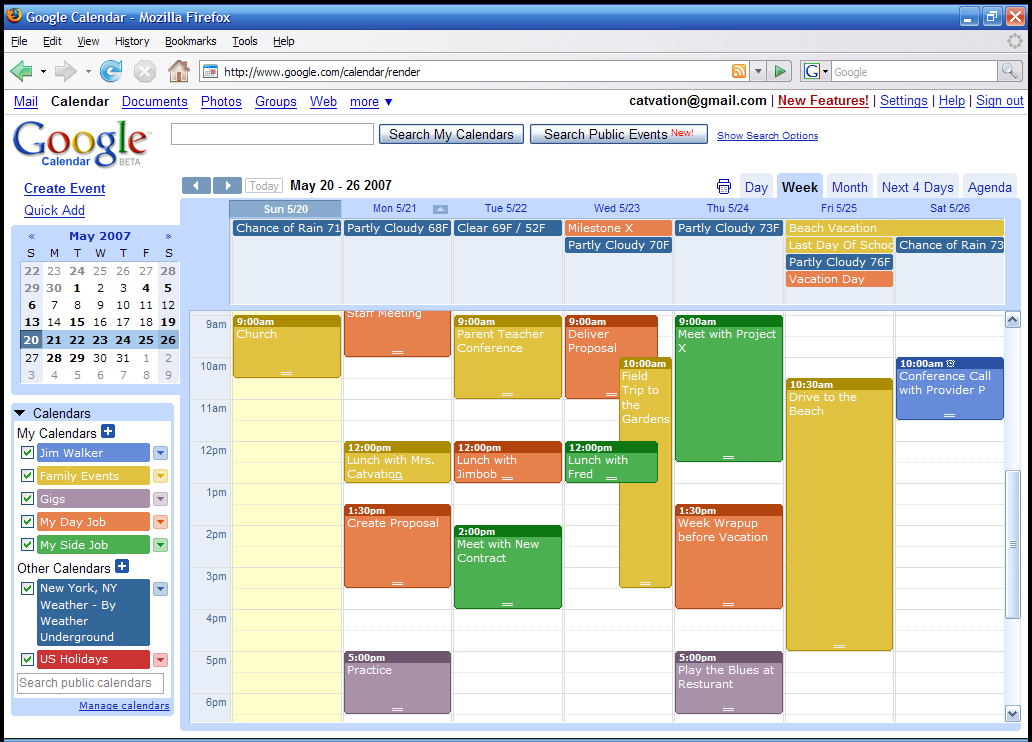
Although not directly linked to student achievement, google calendar is an advantageous technology tool that I plan to continue to use as a teacher. With there being so many different areas of a school, google calendar allows access to all calendars with ease. This can be done to schedule school wide events, check-out laptops, schedule meetings, aid substitutions, etc. Google calendar is so handy because its hooked up to the google account, faculty can allow each other to access them and it can be easily manipulated. 


Tuesday, April 29, 2014

Ipads


Ipad Fun!

Students were able to use ipads multiple times a week in a variety of subjects. With the 1-to-1 initiative available there were many opportunities to integrate this technology into the educational experience. 


  • Math Apps
       Splash Math - This app gives students the individual ability to work on math concepts related to the current learning objectives. Learners are able to progress at their own pace as an extension to their class work. Students in my third grade class were always very excited to work on their Splash Math. 


     Math Champ - This app is similar to Splash Math in that students work at their own pace as a lesson extension. However it has some different features; teachers are able to choose which quizzes students are able to take. Teachers can use this feature to keep students accountable for their learning. 


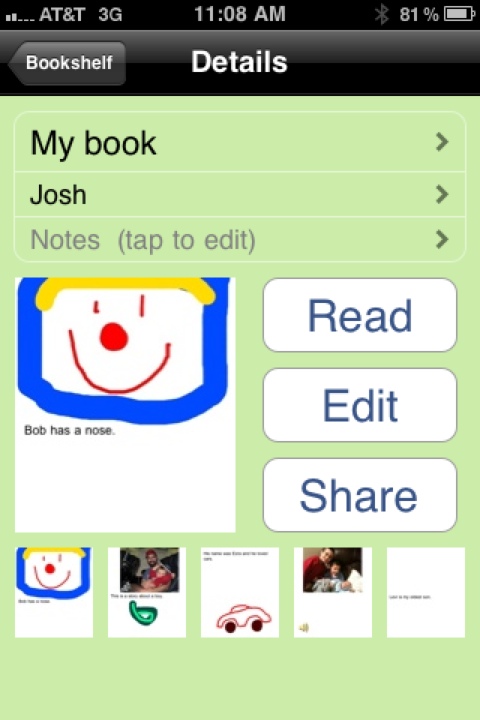
  • Story Kit - Through scaffolding and modeling, students developed their own book. The learning objective was established that the book be about their grandparents. Each student needed to write narratives and captions, record their voice and use photographs or drawings as a visual. This was shown during grandparents day. Each student worked very hard and it was evident in the final result. 


  • Random Name Selector - This app was used to group students quickly. All names of the class are already in the program and it randomly places two students together. Students enjoyed using this and it created an objective way for teachers to pair them. Here is a screenshot of how it looks.

iPhone Screenshot 3